User Settings for Working with Media
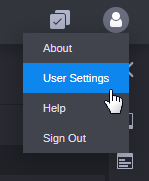
There are several user settings for working with media, which are listed in the Video/Audio section of the User Settings dialog box. Click the User Profile button on the right side of the Fast Bar and select User Settings.
See the following topics for more information: